Business Headshots
ExamplesFree ToolsPhoto GuidePricingTeams
Business Headshots
Business Headshots

AI-powered business headshots for modern professionals and teams.

Product
  • Features
  • How It Works
  • Styles
  • Pricing
Resources
  • Examples
  • Free Tools
  • Blog
  • LinkedIn Headshots
  • Resume Headshots
  • Real Estate Agent Headshots
  • Photo Guide
  • FAQ
  • Contact
Company
  • For Teams
  • About
  • Contact
Legal
  • Privacy Policy
  • Refund & Redo
  • Cookie Policy
  • Terms of Service
© 2026 Business Headshots. All rights reserved.
VisaMastercardAmexStripe
AI business headshots for LinkedIn and resumes

Create Business Headshots for LinkedIn and Resumes with AI

Upload a few clear everyday photos and let our AI create studio-grade business headshots that feel polished, credible, and ready for your professional profiles.

Create Your HeadshotsSee Pricing
40-120 AI photos per projectOne-time packagesHD exports after confirmation
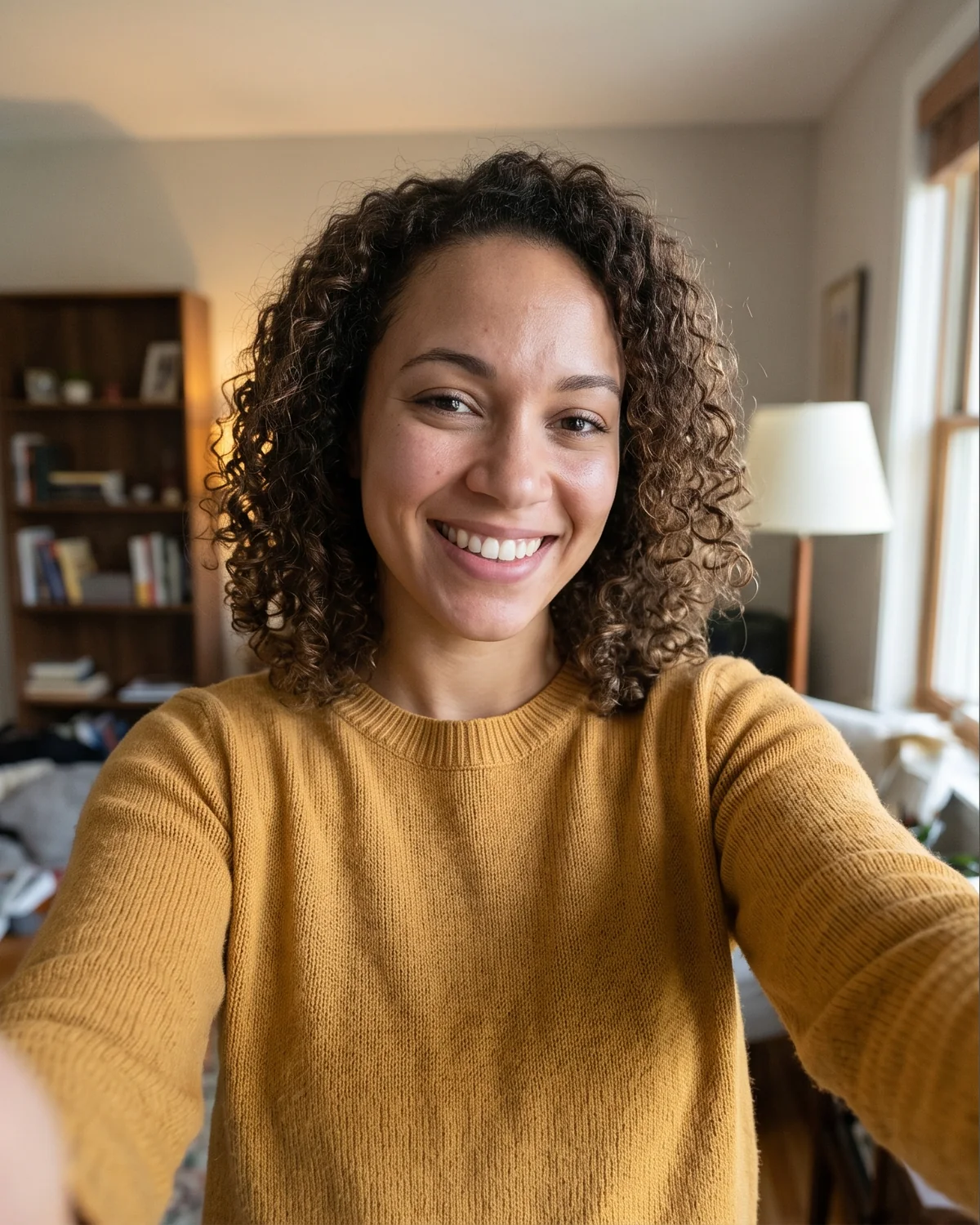
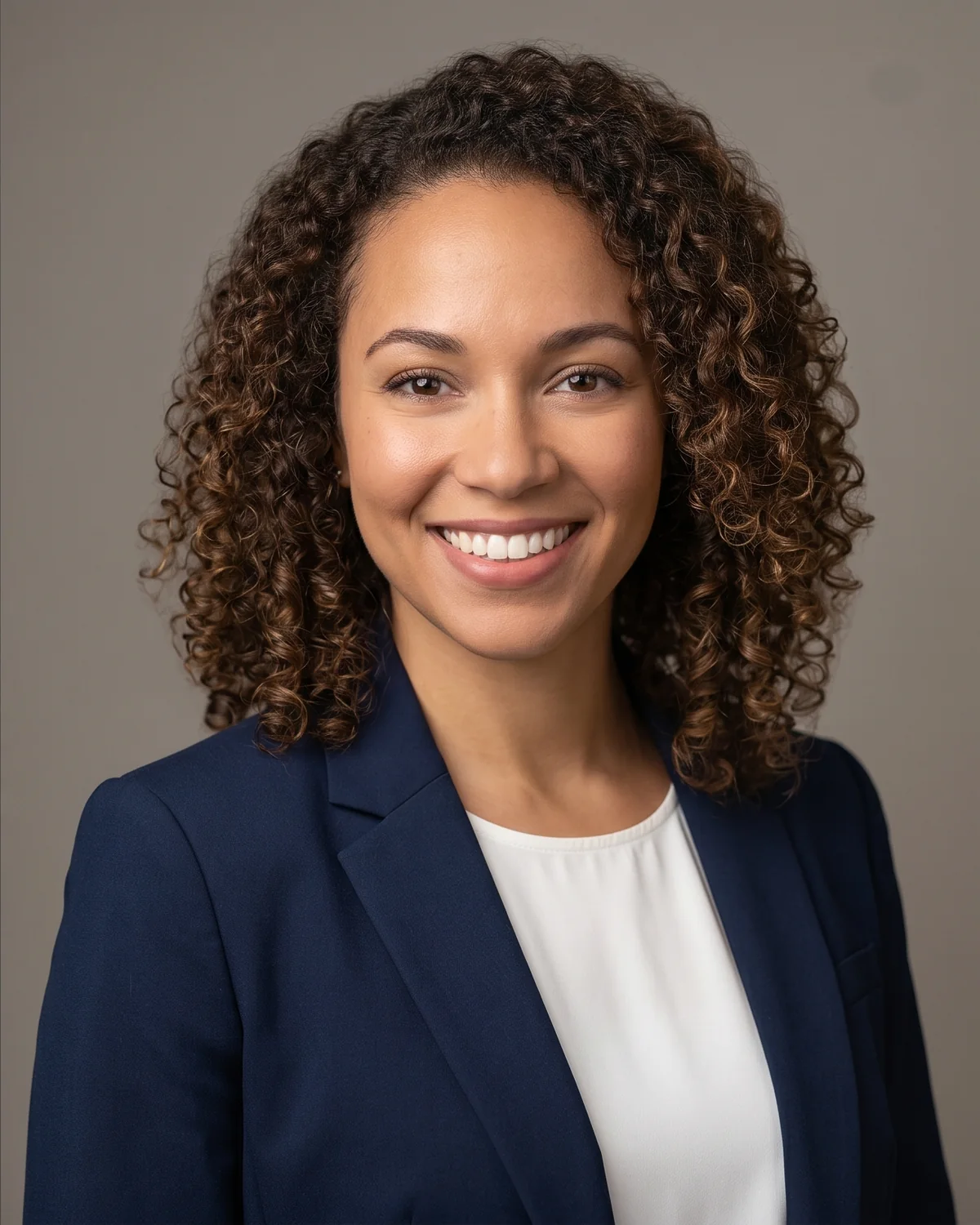
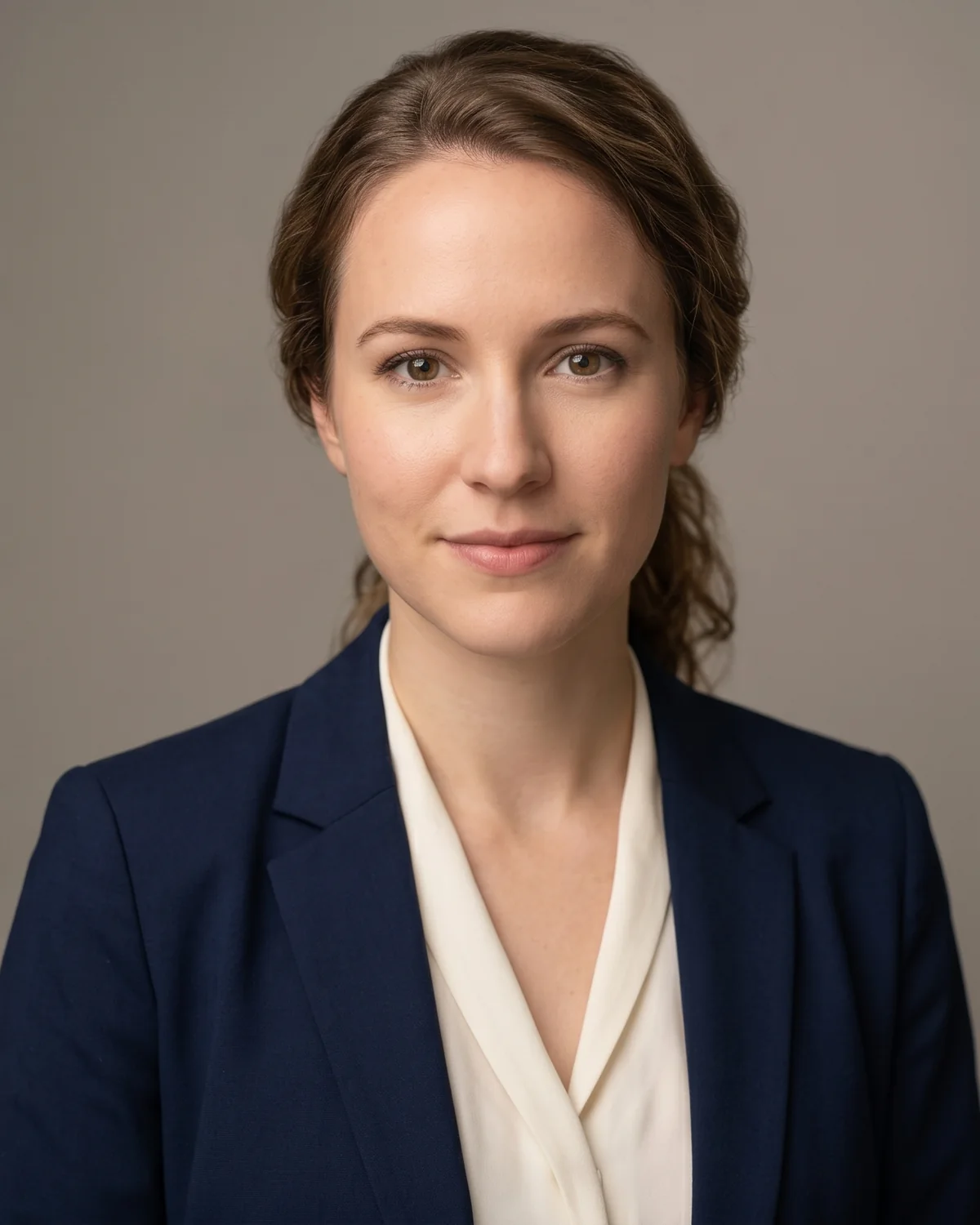
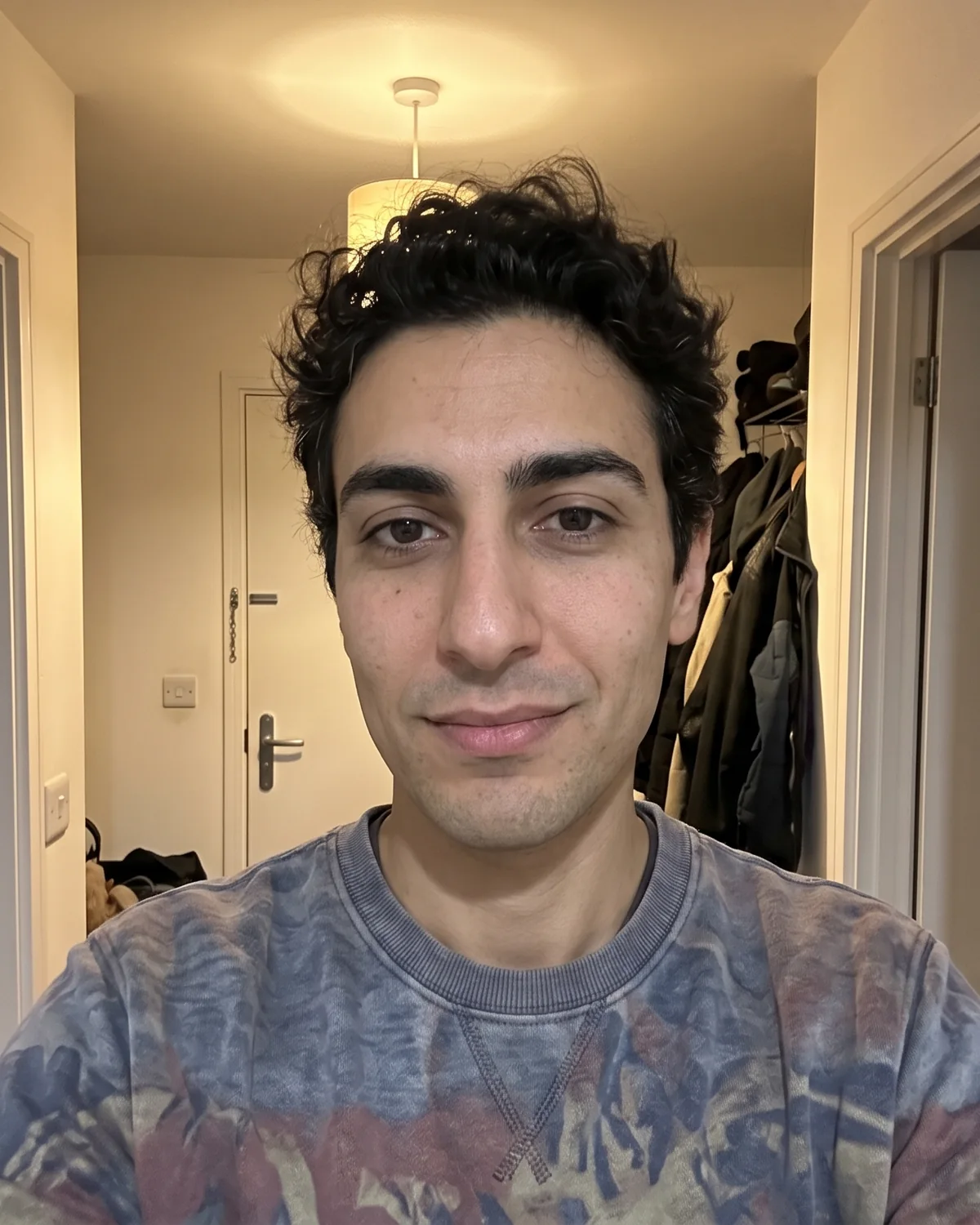
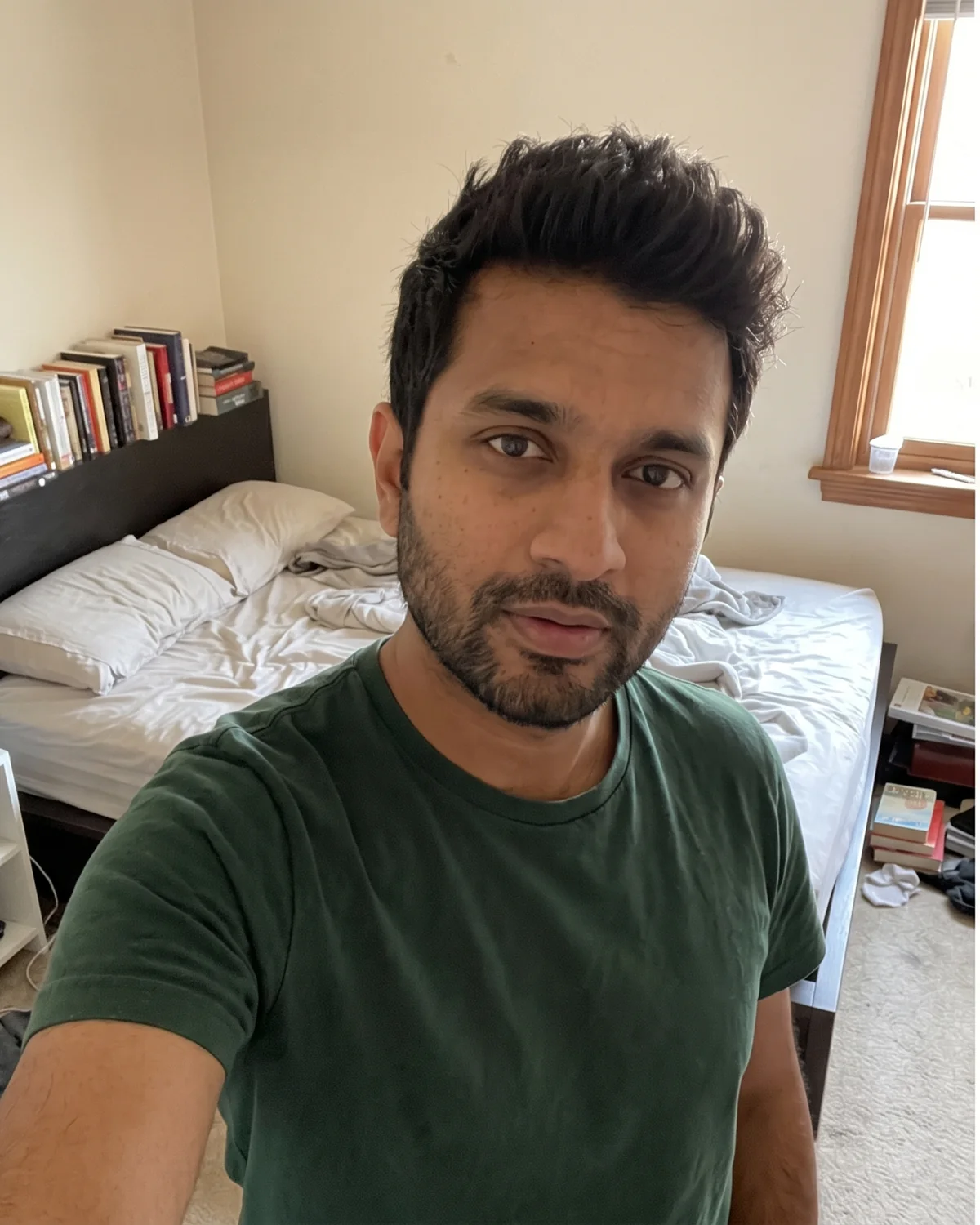
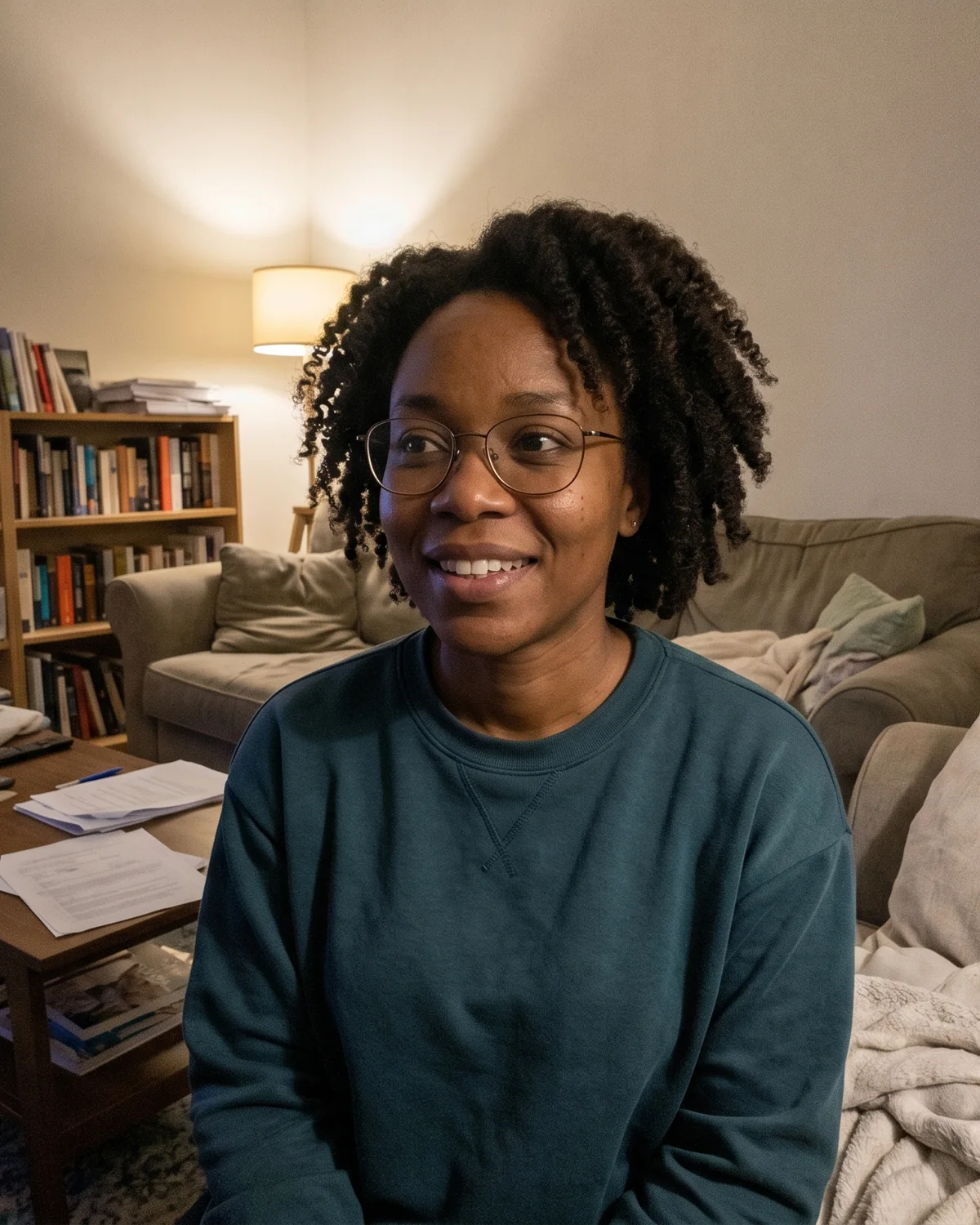
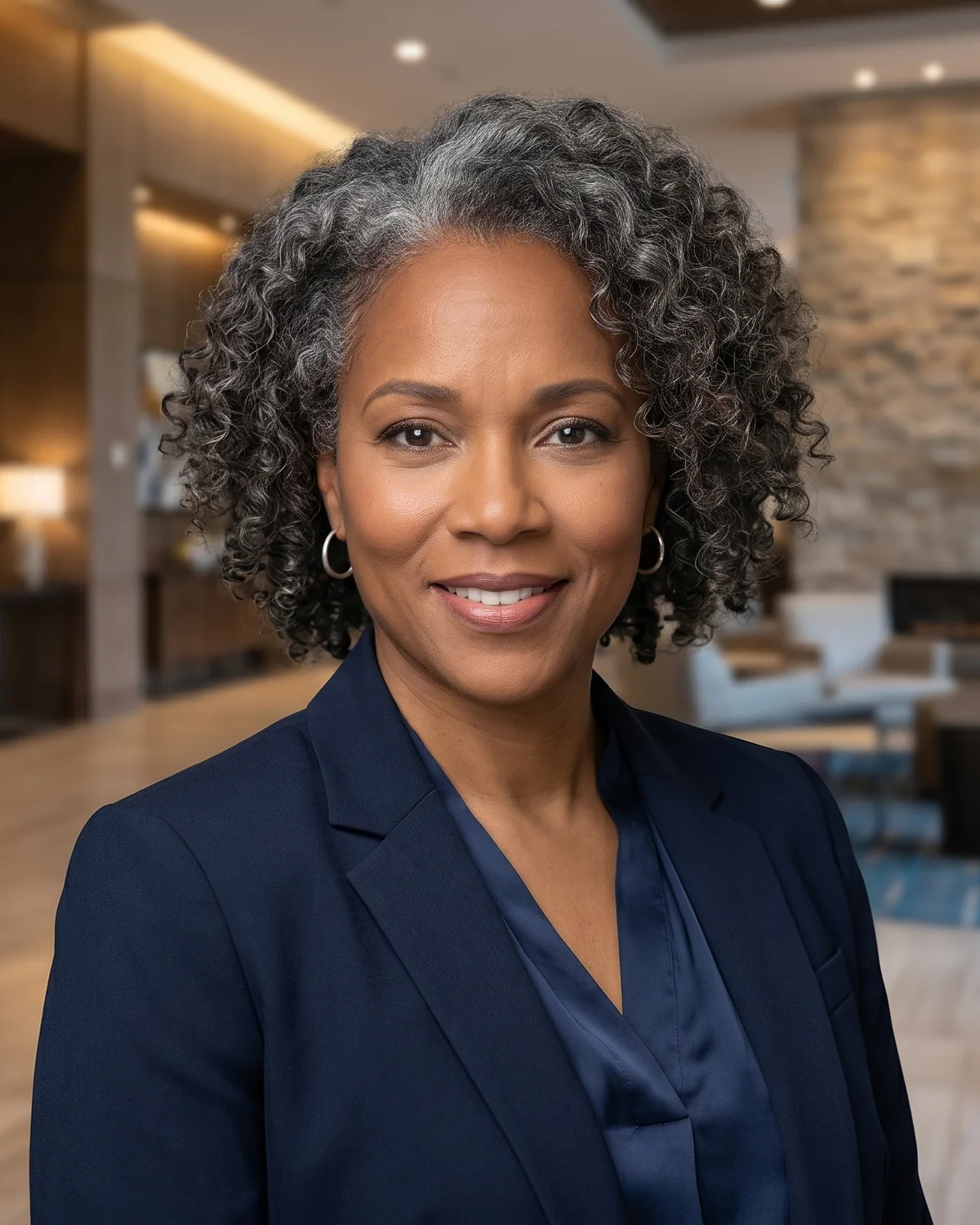
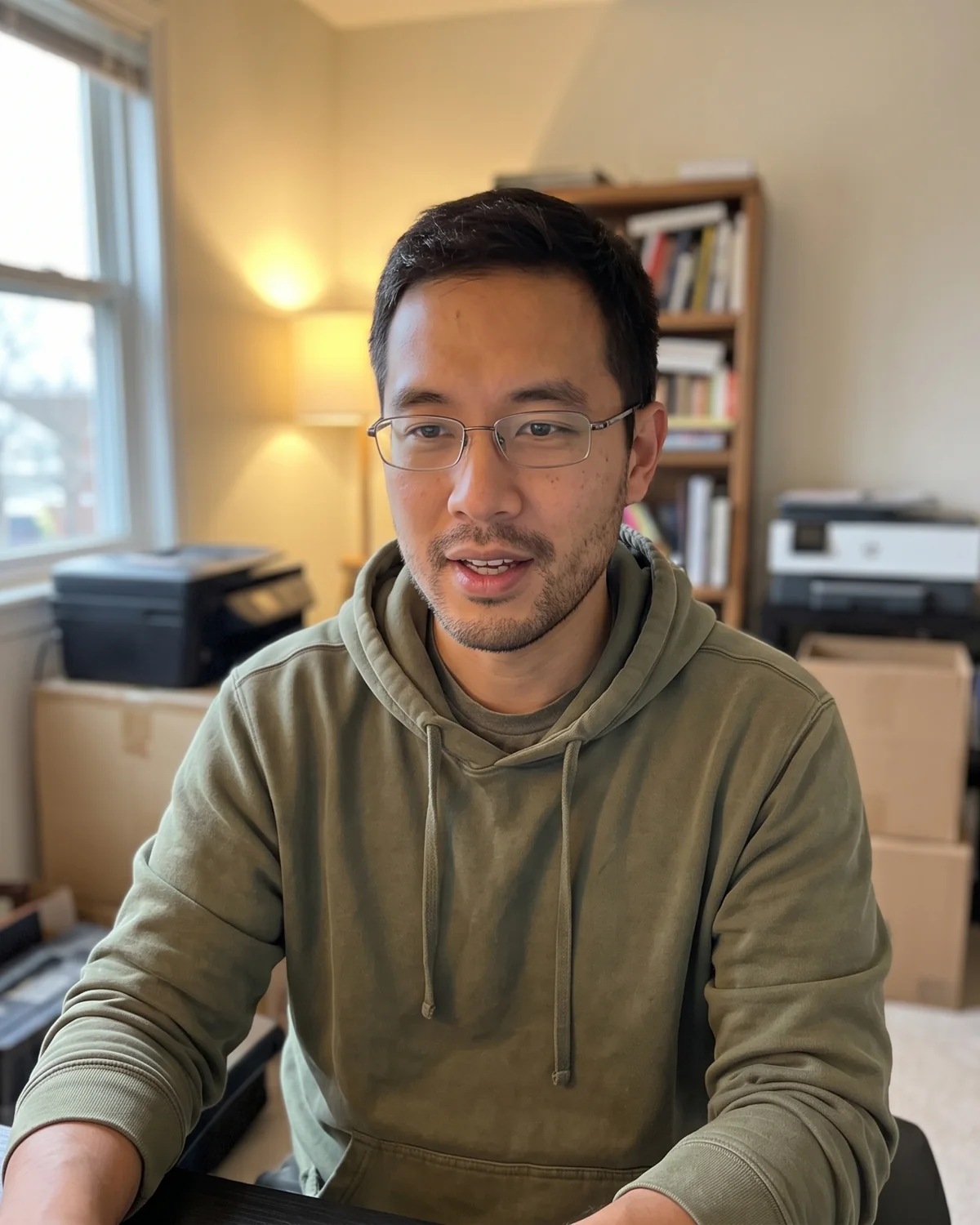
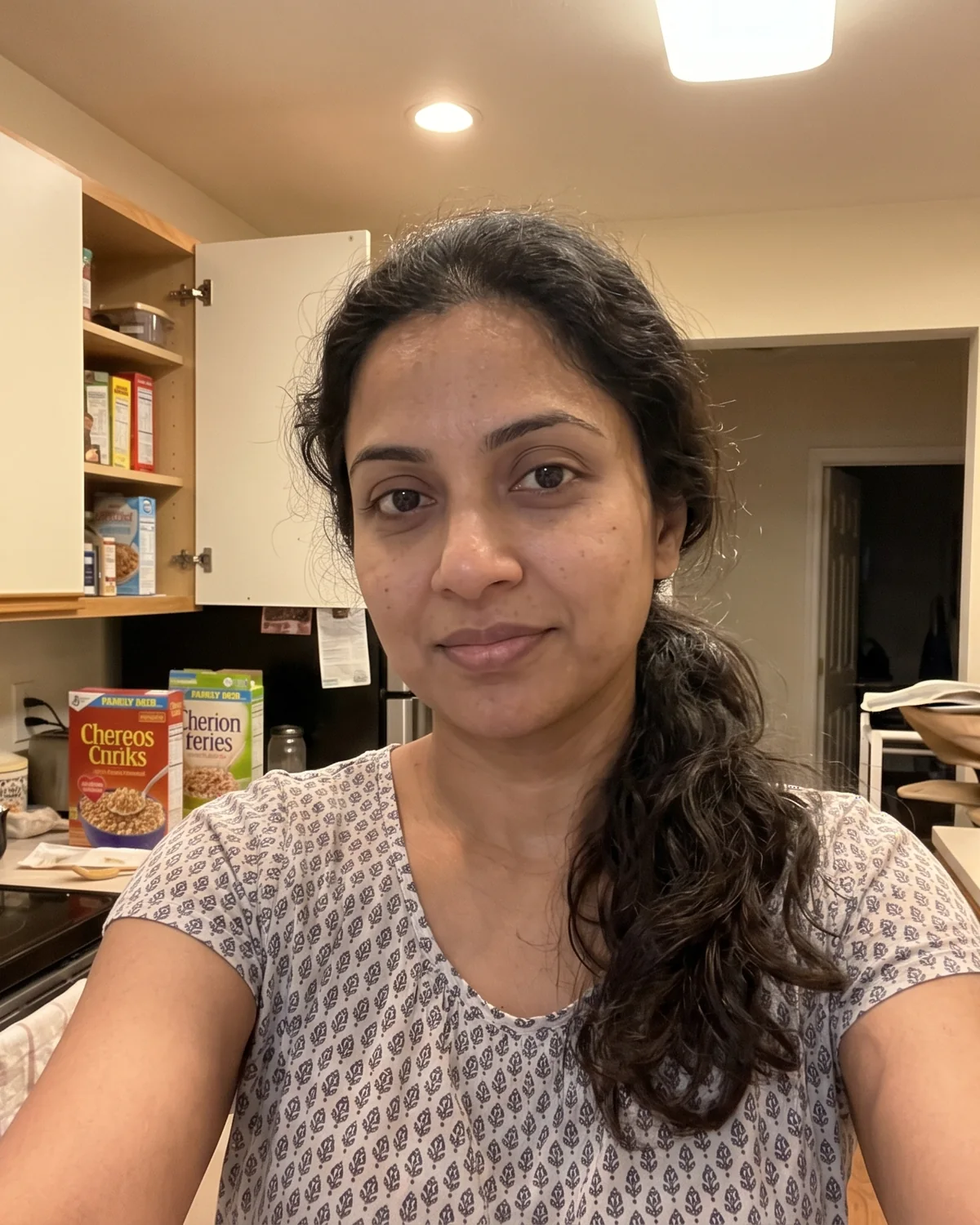
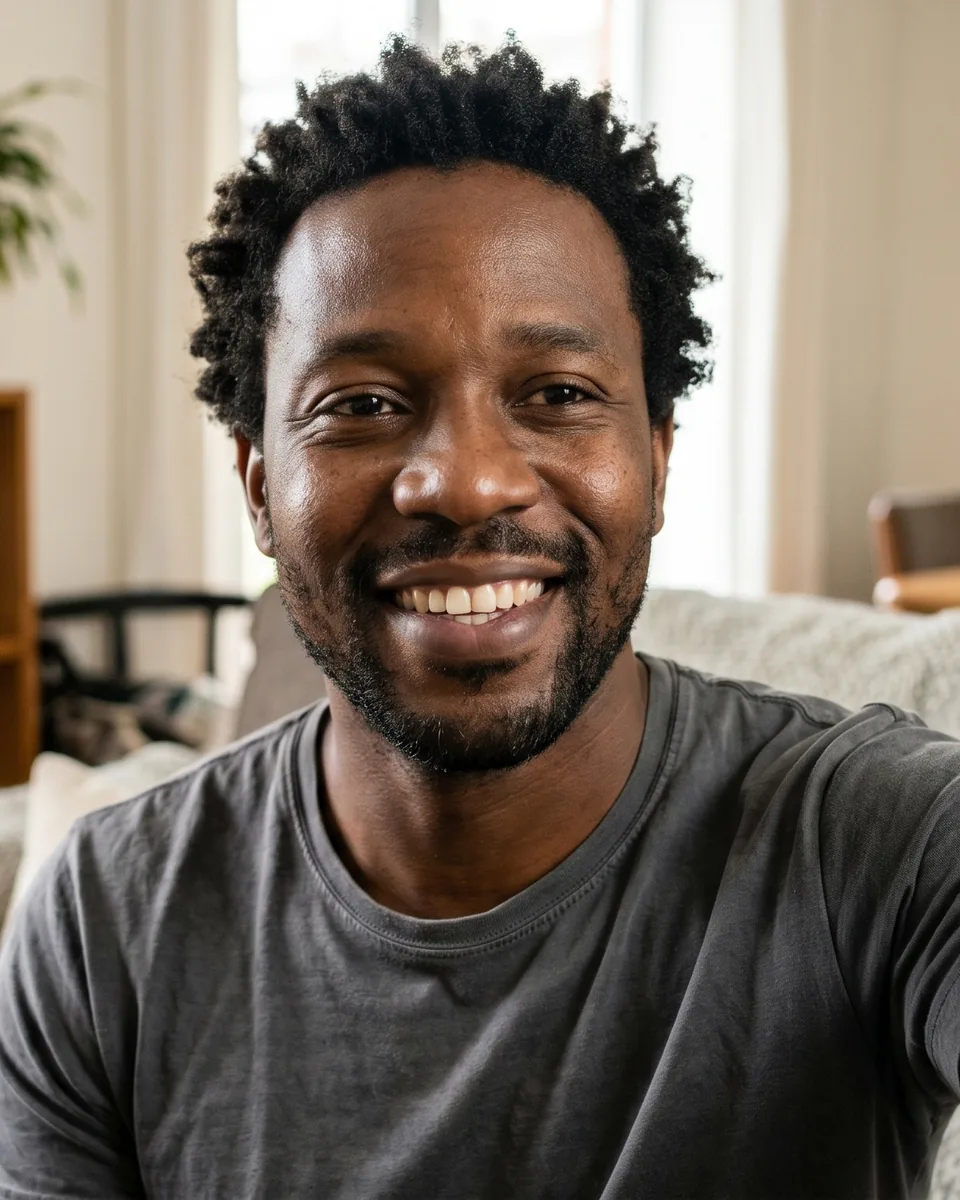
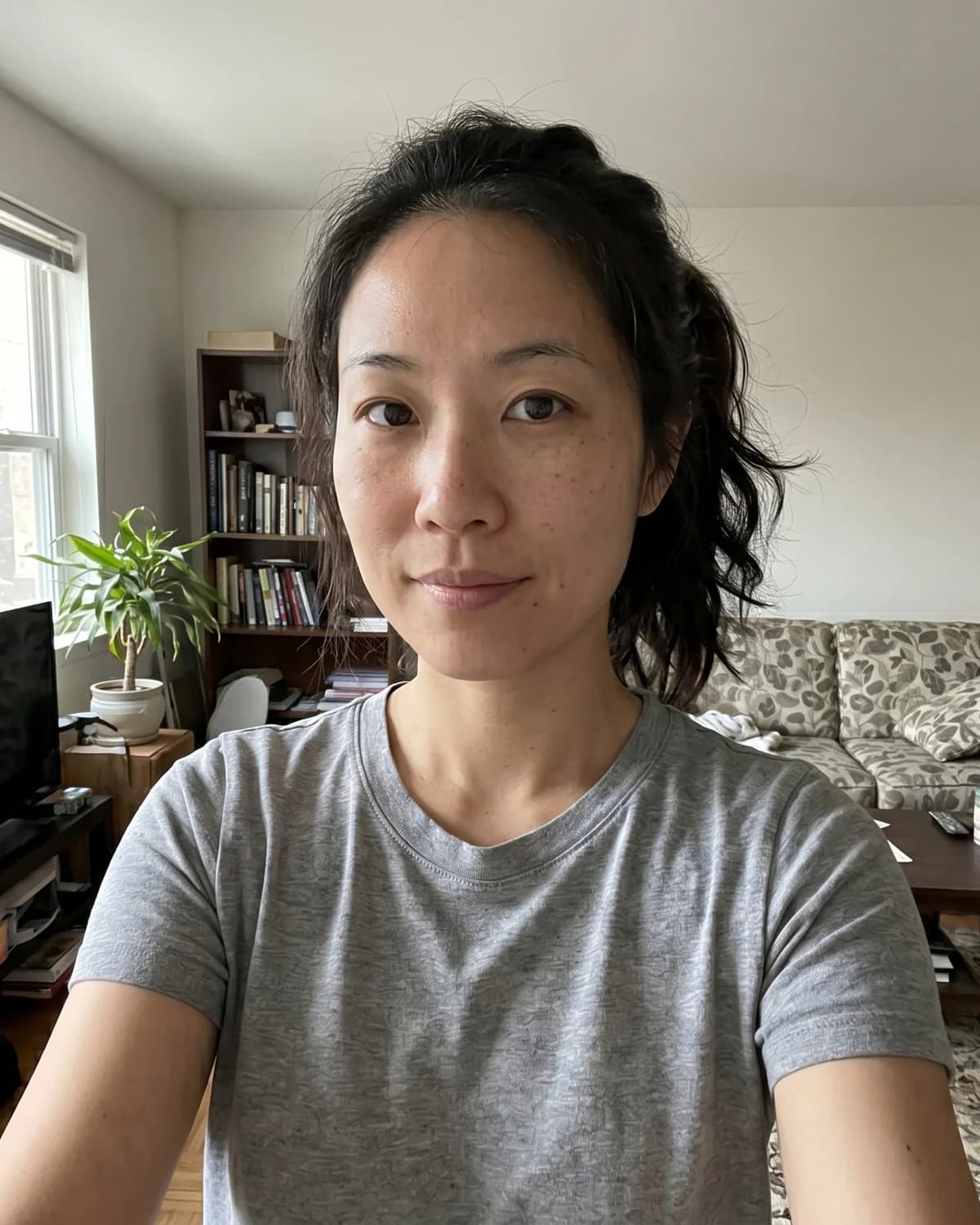
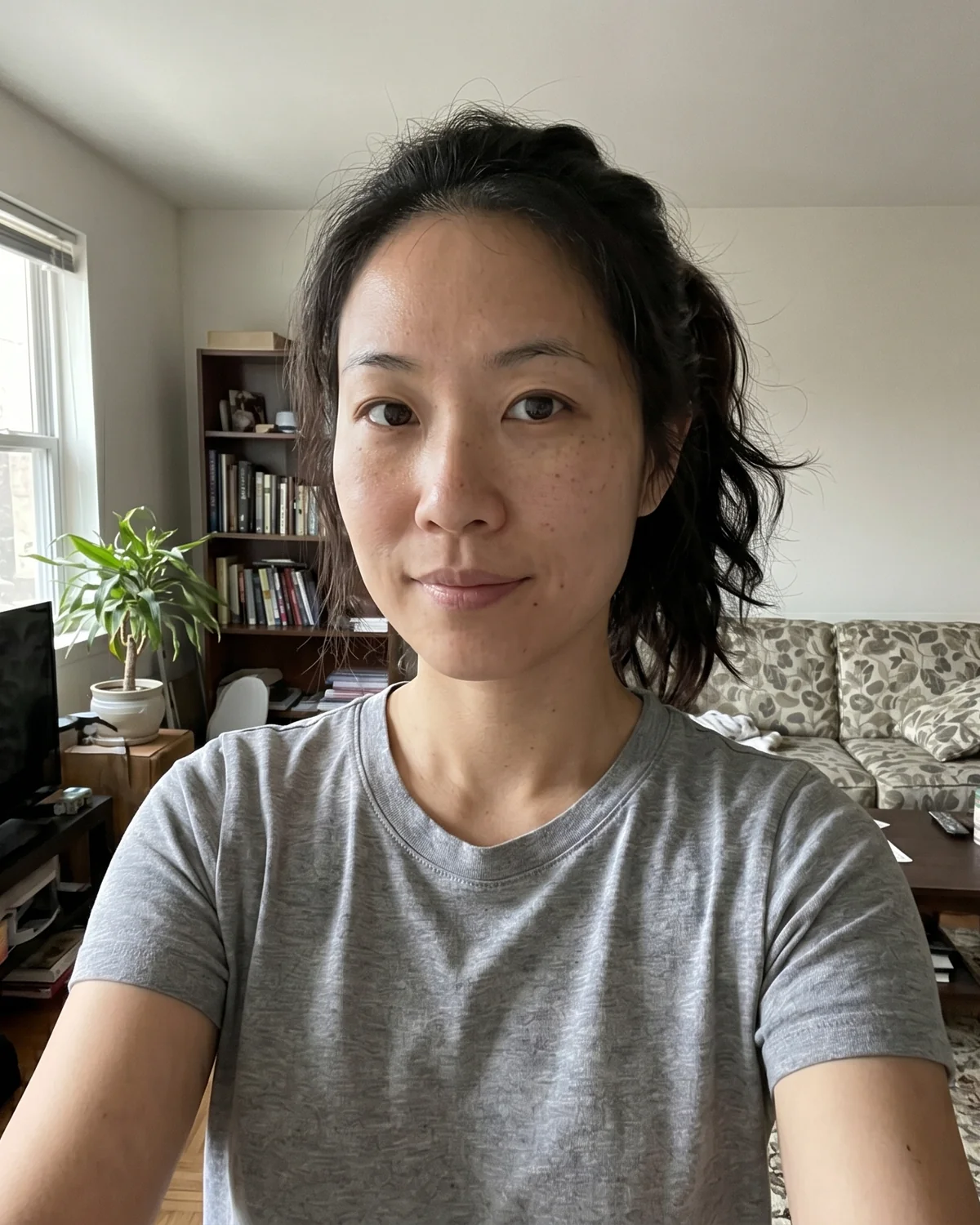
AI business headshot example for a LinkedIn profile 1Everyday source photo used for an AI business headshot example 1
Source photoBusiness headshot
Drag to compare

Made for:

LinkedIn profilesResumes and CVsCorporate profilesTeam pagesSpeaker bios

Review the complete gallery before HD files unlock

Professional-use outputs for profiles and business materials

Customer uploads are not used to train our own general-purpose AI models

One structured redo for serious quality or style issues

Business headshots for LinkedIn, resumes, and professional profiles

Built for professional profiles where your photo has to earn trust quickly, not for novelty AI effects.

LinkedIn and resume photos

Create a clean, current profile image for LinkedIn, resumes, CVs, outreach, and recruiter views.

Explore resume photo examples

Corporate profiles and bios

Use studio-grade business headshots across team pages, founder bios, speaker pages, and press materials.

See professional headshot examples

Export-ready delivery

Confirm the result set, then download HD files and common profile formats.

Compare packages

From source photos to final files in four steps

A guided flow keeps upload, style direction, payment, review, and downloads clear.

Workspace preview
Upload photos

1
4 source photos uploaded
Photo checks passed

Source photos in, professional gallery out

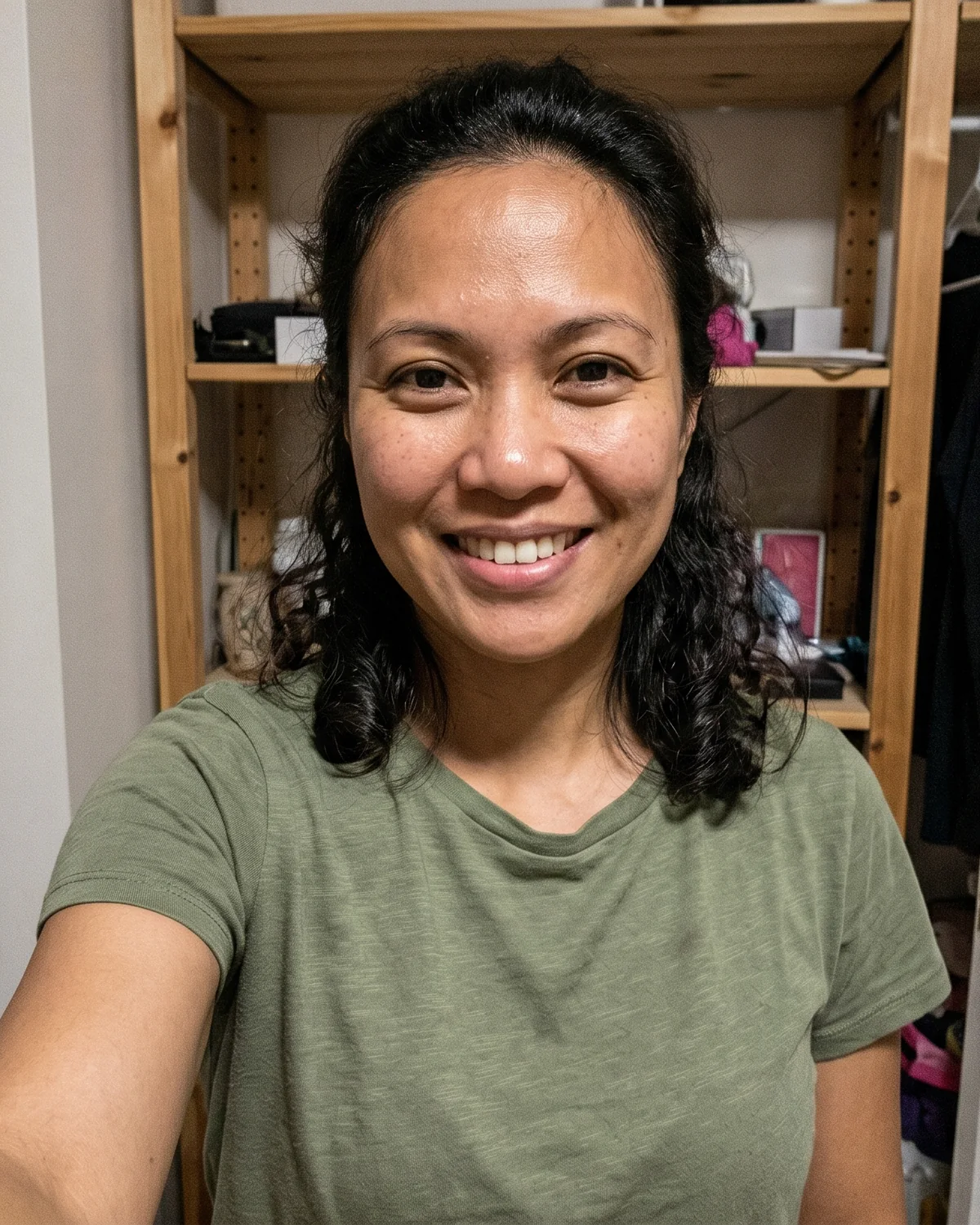
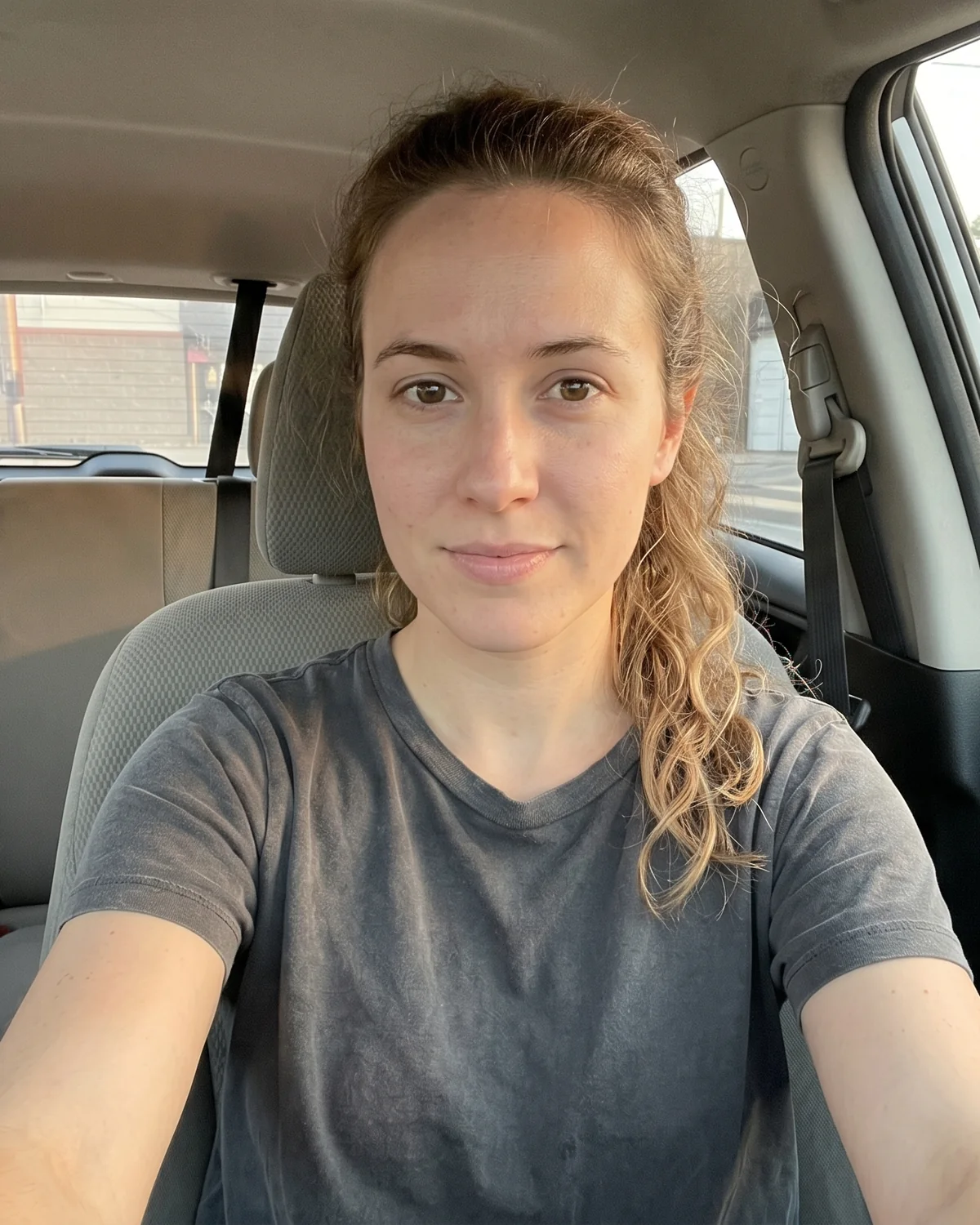
Use these examples as a direction check: realistic source-photo energy paired with business-safe presentation.

Source

Output
Source
Output
Source
Output
Source
Output
Source
Output
Source
Output
Source
Output
Source
Output
Source
Output
Source
Output
Source
Output
Source
Output
Source
Output
Source
Output
Source
Output
Source
Output
Source
Output
Source
Output
Source
Output
Source
Output
Source
Output
Source
Output
Source
Output
Source
Output
Source
Output
Source
Output
Source
Output
Source
Output
Source
Output
Source
Output
Source
Output
Source
Output
Source
Output
Source
Output
Source
Output
Source
Output
Source
Output
Source
Output
Source
Output
Source
Output
Source
Output
Source
Output
Source
Output
Source
Output
Source
Output
Source
Output
Source
Output
Source
Output
Source
Output
Source
Output

Founder profile

Credible enough for LinkedIn, hiring pages, and quick investor materials.

Leadership bio

Polished without looking filtered, synthetic, or overly staged.

Consulting presence

Clear, approachable, and professional for client-facing work.

Choose a style direction before generation

Pick a direction first so the gallery matches how you want to show up professionally.

Explore examples
Business Formal style preview

Business Formal

Classic studio confidence

Approachable Office style preview

Approachable Office

Natural workplace context

Clean Studio style preview

Clean Studio

Minimal, profile-first framing

Leadership Editorial style preview

Leadership Editorial

Richer executive presence

Professional headshots for the way you work

A team page, a speaker bio, a first client meeting. Start with everyday photos of you, then choose a professional look that fits the occasion.

Headshots for your team page

Company directory · New-job introduction

Your new team needs a photo, and your camera roll is full of everyday moments. Start with clear, recent photos that show your face, then choose a look that fits your workplace.

Choose photos to upload

Headshots for speakers

Speaker bio · Event program

An organizer has asked for your bio and headshot. Explore formal and approachable styles, then check their image-size and crop requirements before choosing the portrait you send.

Explore headshot styles

Photos for client-facing profiles

Consultant profile · Business website

Give prospective clients a clear picture of who they’ll meet. Try a headshot sample to explore a professional look, then choose an expression and outfit that suit your work.

Try a headshot sample

Have a use in mind? Compare packages for your next headshot.

Compare headshot packages

Simple, transparent pricing

One-time packages for individual projects. Choose the amount of variety you need without subscriptions.

Starter

Best for a quick profile refresh

$29

40 AI Photos | 1 Unique Style

  • Better for: Getting one clean, professional look without the hassle of a photo shoot.
  • 1 distinct outfit & background
  • Perfect for a quick LinkedIn update
Choose Starter
MOST POPULAR

Professional

Perfect for complete personal branding

$79$49

80 AI Photos | 2 Unique Styles

  • Better for: The ideal balance between formal CV photos and business-casual networking photos.
  • 2 distinct outfits & backgrounds
  • Formal & business-casual options
Choose Professional

Executive

For founders, speakers & PR

$129$79

120 AI Photos | 3 Unique Styles

  • Better for: Maximum variety for speaking gigs, website bios, and press releases.
  • 3 distinct outfits & backgrounds
  • Maximum variety for every occasion
Choose Executive
Compare packagesNeed headshots for your whole team? Talk to us about Teams
Not sure about your current photo? Try the free LinkedIn photo analyzer before you retake it or generate a new set.

Frequently asked questions

How many photos should I upload?
Upload 4 to 10 recent photos when possible. A mix of angles and lighting helps the final set stay recognizable.
What kinds of photos work best?
Use clear, recent phone photos where your face is visible. Avoid heavy filters, sunglasses, extreme side angles, and photos where your face is very small or heavily shadowed.
Will the headshots still look like me?
That is the core goal. The workflow keeps identity anchored to your source photos while letting you choose business context and style.
Can I use these as LinkedIn headshots?
Yes. Paid packages are designed for LinkedIn profile photos and other professional profile uses where you need a clear, current, business-ready image.
Are AI business headshots good for company websites?
They can be a practical option for company bios, team pages, speaker profiles, and founder pages, especially when you want consistent business headshots without scheduling a studio shoot.
How long does generation take?
A Starter run finishes in about 10 to 15 minutes for most projects. Larger packages can take longer, especially when the generation queue is busy. We email you when the gallery is ready, and the workspace also updates if you keep it open.
What file types can I upload?
The source photo uploader accepts JPEG, PNG, and WebP images. Clear phone photos are usually enough as long as they pass the project photo check.
Is checkout secure?
Individual package checkout is handled through Stripe. We do not store your card number in the headshot workspace.
Do you use my photos to train AI models?
We do not use customer uploads or generated results to train our own general-purpose AI models. Third-party AI and infrastructure providers may process images only as needed to deliver the requested service.
What happens if the first result set has serious issues?
Review the full set first. Paid packages include one structured redo for serious quality issues or a clear mismatch with the selected style.

Ready for a sharper first impression?

Start your project, choose a package, and review the generated set before downloading the final assets.

Create My HeadshotsRead Photo Guide