Use clear everyday photos and simple business clothing so your AI business headshots stay recognizable, current, and professional.
Quick checklist



What to upload
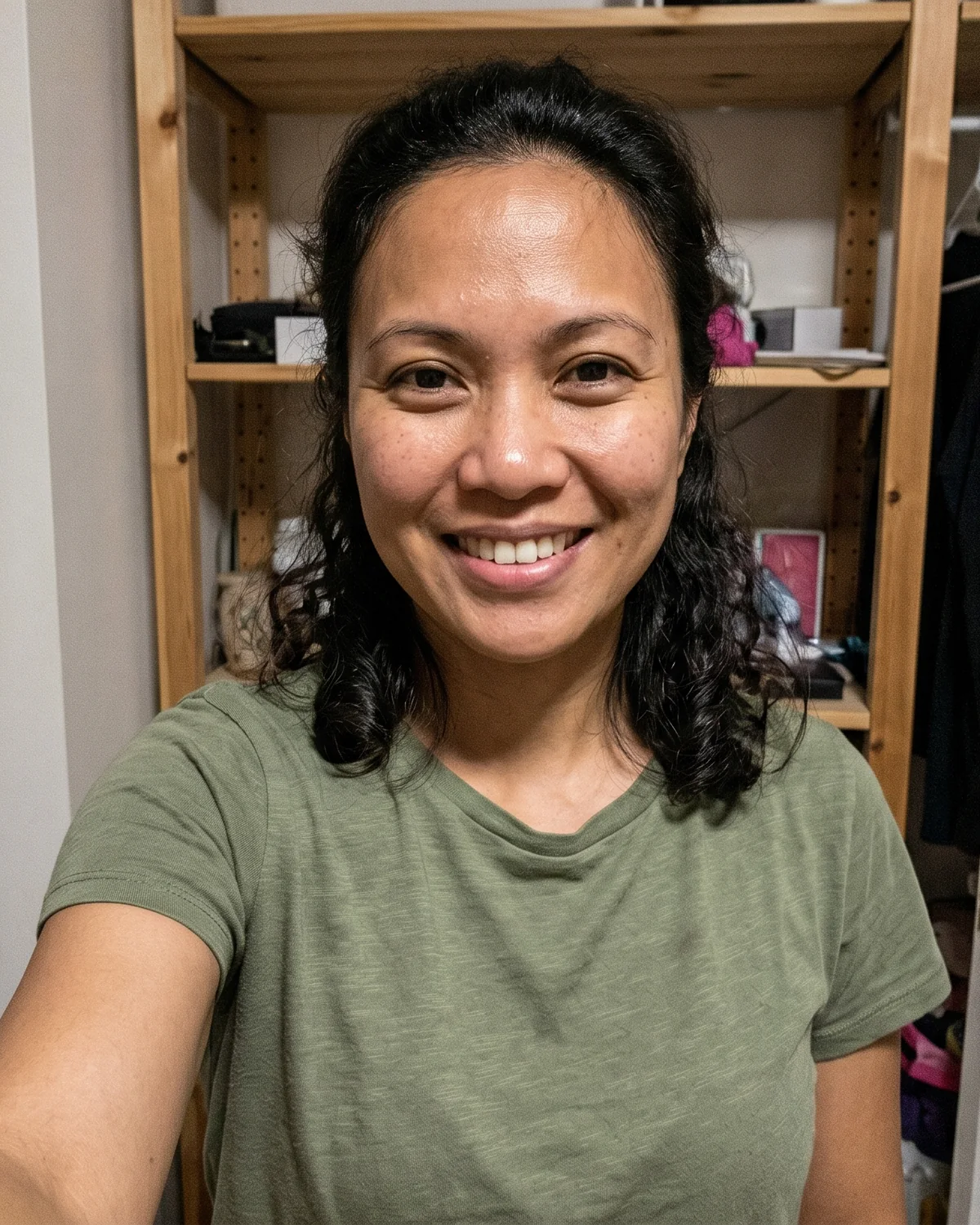
A varied source set gives the generation more reliable information about your current face, hair, and natural expression.
The best input set usually looks like normal recent photos: clear face, different lighting, and enough variety for the system to keep you recognizable.
Useful sourceUseful sourceUseful source Not usefulMore than one face
 Not usefulFace covered
 Not usefulToo dark / blurry
Recent photos help the result match how you look now, not an outdated profile picture.
Include front-facing photos plus slight angle changes. Small expression variety helps the final gallery feel natural.
Avoid sunglasses, hats covering the face, hands across the mouth, or heavy shadows over the eyes.
Phone photos are fine. Strong beauty filters, face edits, and overly compressed screenshots are not.
Avoid these
Most disappointing results come from source photos that hide identity details or give the system too little useful variety.
Only one usable selfie plus several filler images
Group photos, cropped couples, or busy event pictures
Old photos that no longer match your current look
Very blurry, dark, filtered, or face-obscuring photos
Upload checks
The workspace checks file readability, minimum size, and basic brightness/sharpness signals. When a file is risky, you will see practical replacement guidance instead of a vague score.
JPEG, PNG, and WebP uploads must be readable by the system before they can enter the project.
Images below the minimum source size are rejected because face, hair, and expression details are too weak for reliable output.
Very dark, overexposed, low-contrast, or obviously blurry photos stay visible with caution so you can replace them with clearer alternatives.
When a source photo is blocked or needs caution, the project shows the reason so you know what to replace.
Before you upload
You do not need a photo shoot. These small choices help the final headshots stay professional and recognizable.
Simple, structured clothing works best. Avoid loud patterns if you want a cleaner business result.
Soft daylight is usually enough. Avoid harsh backlight or very dim rooms where facial detail disappears.
The background does not need to be perfect. Face clarity and realistic appearance matter more.
Fast summary
Preparing a team?
Team results are easier to keep consistent when every member starts from the same upload expectations.
Free check
Try the free LinkedIn photo analyzer before you retake it or generate a new set.
Start with a clean source set, then choose the package and visual direction that fit your professional use case.
