


Studio Neutral
A tailored blazer, a simple neckline, and soft studio light for a front-facing portrait.
Use these examples to see what the output should feel like: credible business portraits for profiles, bios, company pages, and speaker materials.
What to compare
Each pair shows one source photo and a selected result made with our sample generator. Compare four different styles before trying your own photo.
A tailored blazer, a simple neckline, and soft studio light for a front-facing portrait.
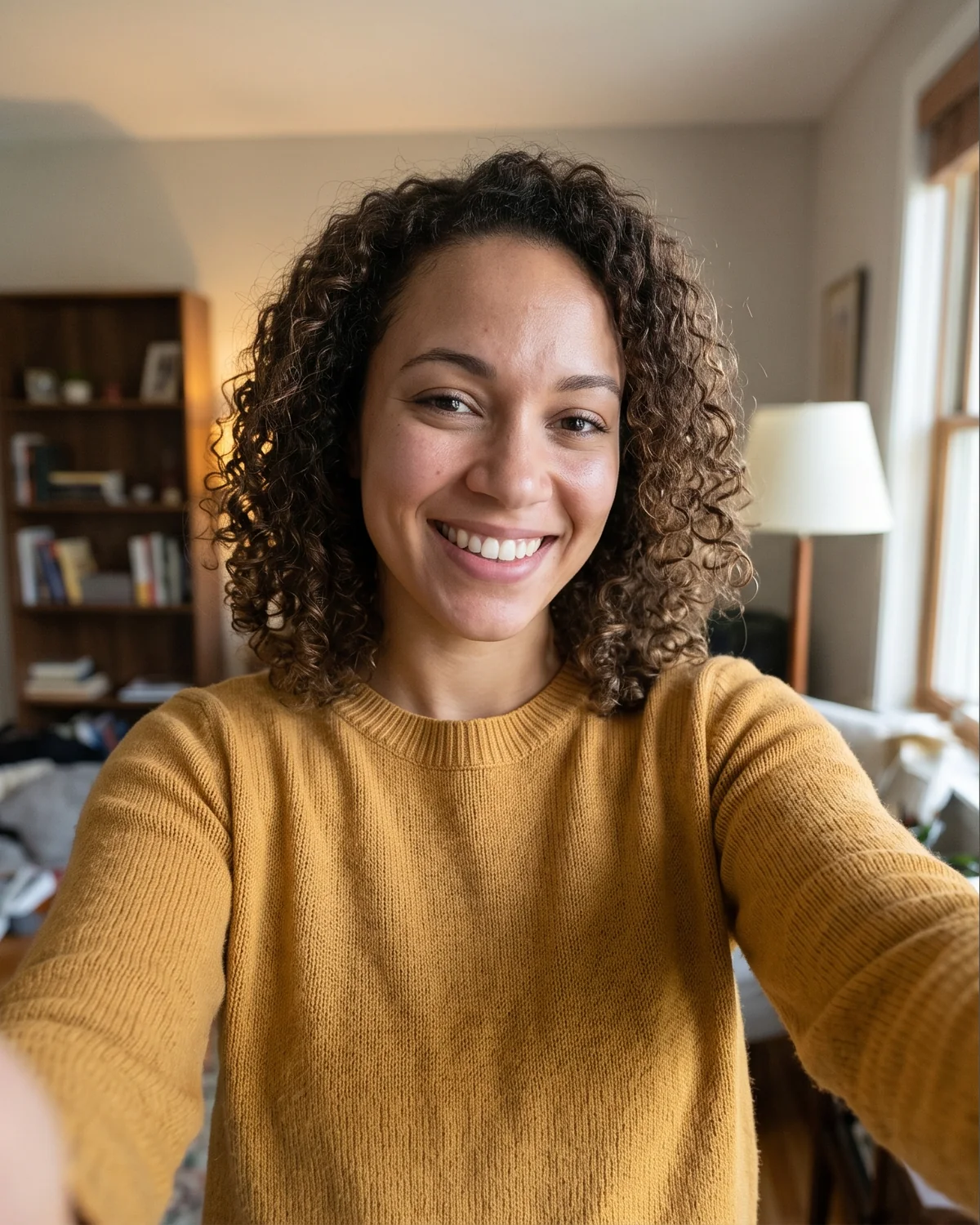
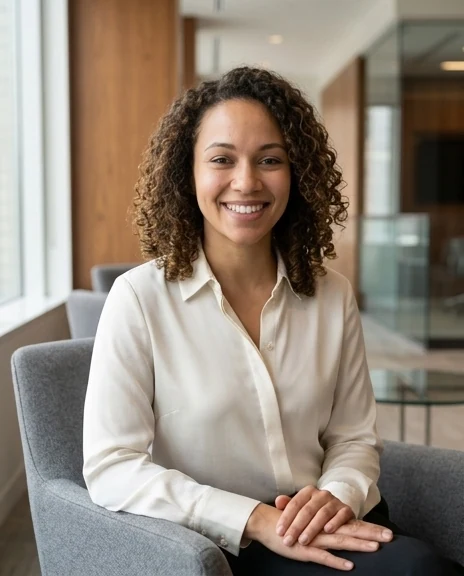
A relaxed seated pose, natural smile, and a bright modern office.
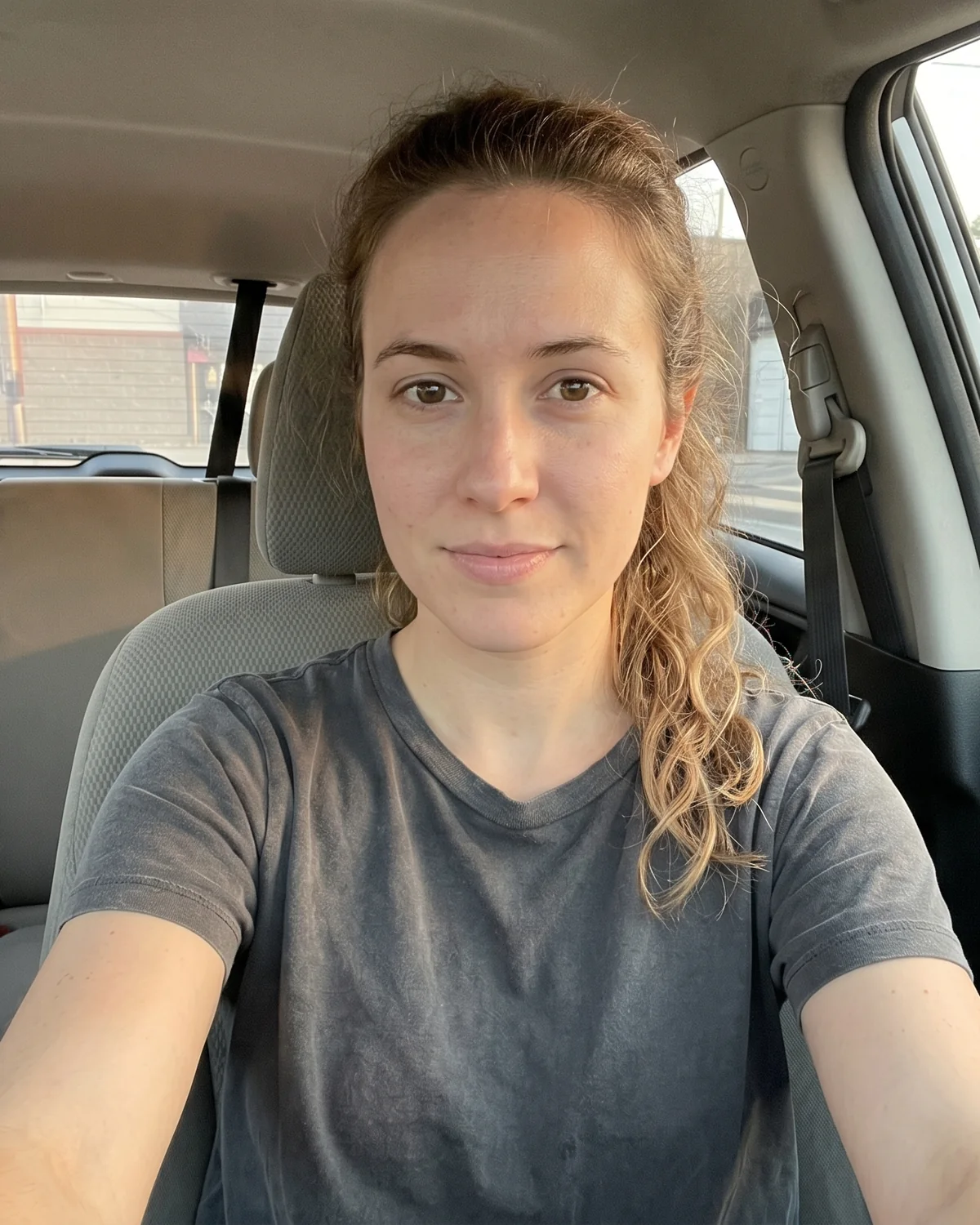
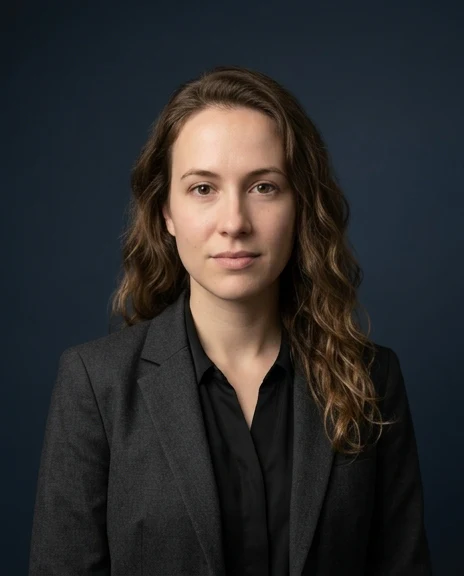
Deep navy backdrop, controlled light, and a composed leadership presence.


A fine-knit sweater over a checked shirt, with naturally folded arms in a modern workspace.
We selected these examples for recognizable faces, natural-looking posture and distinct styles. Results vary with the photo you upload.
Upload one clear photo and sign in to create your account’s free sample: one watermarked 512px preview.
Try it with your photoStart with 4–10 recent photos. Choose a one-time package for 40–120 AI photos, then review your results before unlocking HD downloads.
Compare full packagesClean, current portraits for profile-first contexts where trust matters quickly.
Useful when a company needs multiple people to feel visually aligned.
Accepted results can feed common profile, website, and bio formats.
Style directions
Use the examples to pick a direction before you upload, then keep that direction consistent through onboarding and review.

Sharper contrast and studio presence

Natural light and modern workplace context

Simple backdrop and timeless crop

Richer posture and executive framing
Next step
Once you know the kind of result you want, the strongest next step is preparing a clear source-photo set.
For teams
HR, people ops, and marketing buyers need to see the output standard before asking a team to participate.
Start with your source photos, choose a business direction, and review the generated set before downloading.